Professional estimates in minutes
Use saved services and products with your pricing, add taxes or discounts, and send a branded estimate from your phone or desktop.
Build a clean estimate from your saved services, send it by text and email, and see when the customer opens it. If they have not approved it, a follow-up goes out automatically.
Most open quotes are lost to silence, not to price. Follow-up fixes that.
Use saved services and products with your pricing, add taxes or discounts, and send a branded estimate from your phone or desktop.
Offer more than one option so customers can choose, instead of comparing you against someone else's single number.
Get notified when a customer opens the estimate, so you can call while it's on their mind.
Open quotes get reminders by text and email on your schedule, and the follow-up stops when the customer approves.
Customers can approve and sign the estimate online, then pay a deposit in the same step.
From the first call to a signed, paid job without retyping anything.
The AI receptionist or your team captures the job details, which are saved to the contact for the estimate.
See the AI receptionistOpen estimates sit in their own pipeline stage so you can see what's waiting and for how long.
See sales pipelinesWhen the customer approves, collect a signature and deposit online, then schedule the work.
See e-signatures and paymentsYou don't have to figure this out alone. Our team consults with you and handles your onboarding and initial setup, so it works the way your business works from day one.
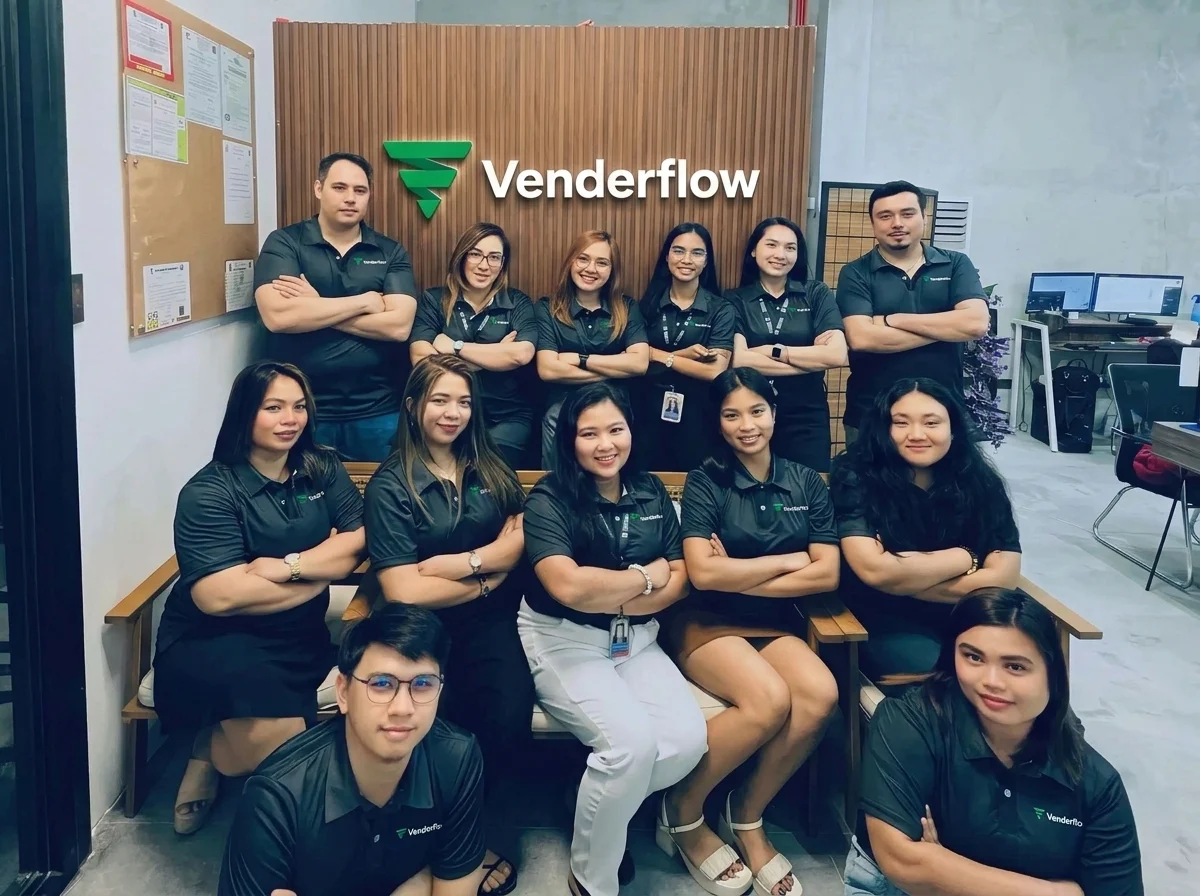
We review how you price jobs today, your most common services, and how long you usually wait before following up.
We load your services into the product list, build your estimate template, and turn on automatic follow-up for open quotes.
If you need custom workflows, multi-location routing, or integrations beyond a basic setup, we'll review clear custom-setup pricing upfront, and you can talk it through with us before you buy.
Still deciding? Book a setup walkthrough or compare plans on the pricing page.
Yes. Customers can review the estimate, choose an option if you offer more than one, approve it, and sign online. You can also collect a deposit at the same time.
You choose the timing, for example a text after two days and an email after five. The follow-up stops as soon as the customer approves or replies.
Yes. You can create and send estimates from the mobile app while you're still at the job site.
Yes. Quotes, invoicing, e-signatures, and card payments are included on every plan, and Business adds automated quote and lead follow-up workflows. Every plan is month-to-month with a 7-day free trial, and managed hosting for your Venderflow website and funnels is included on all plans. Starter is $97/month with pay-per-use AI minutes and messages. Business ($297/month) and Premium ($497/month) include the Unlimited AI Employee.
Start a 7-day free trial, or book a walkthrough and we'll set up your estimate flow with you.
Month-to-month · Cancel anytime · Guided setup included